Project plans that say when, and why.
planify turns a brief into a validated, scheduled project plan: a roadmap with the real critical path, a work breakdown, the organisation, a RACI and a risk map. You get one HTML file that opens on the answer and lets anyone drag a task to see what happens.
Everything a sponsor, a lead and a team member ask for.
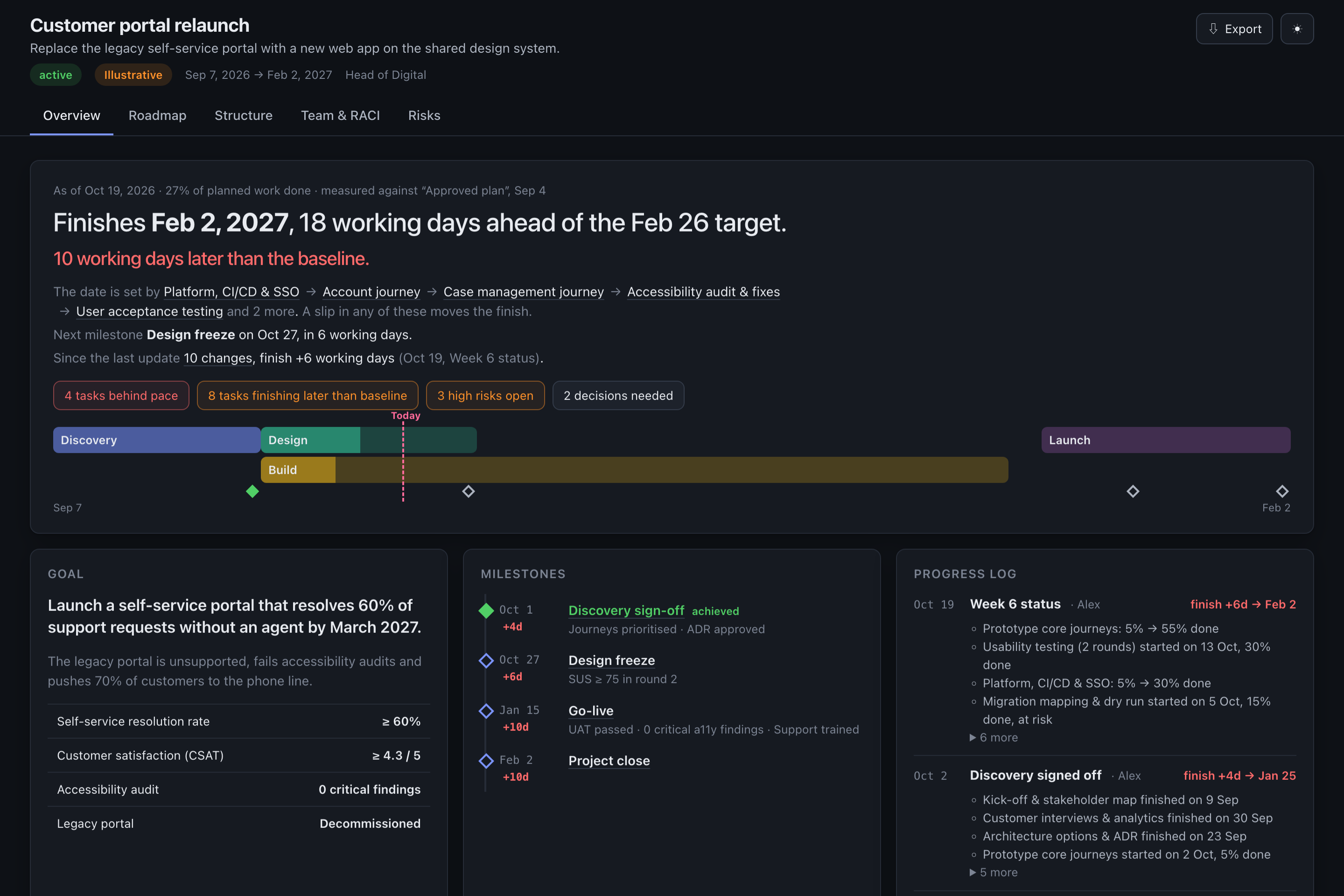
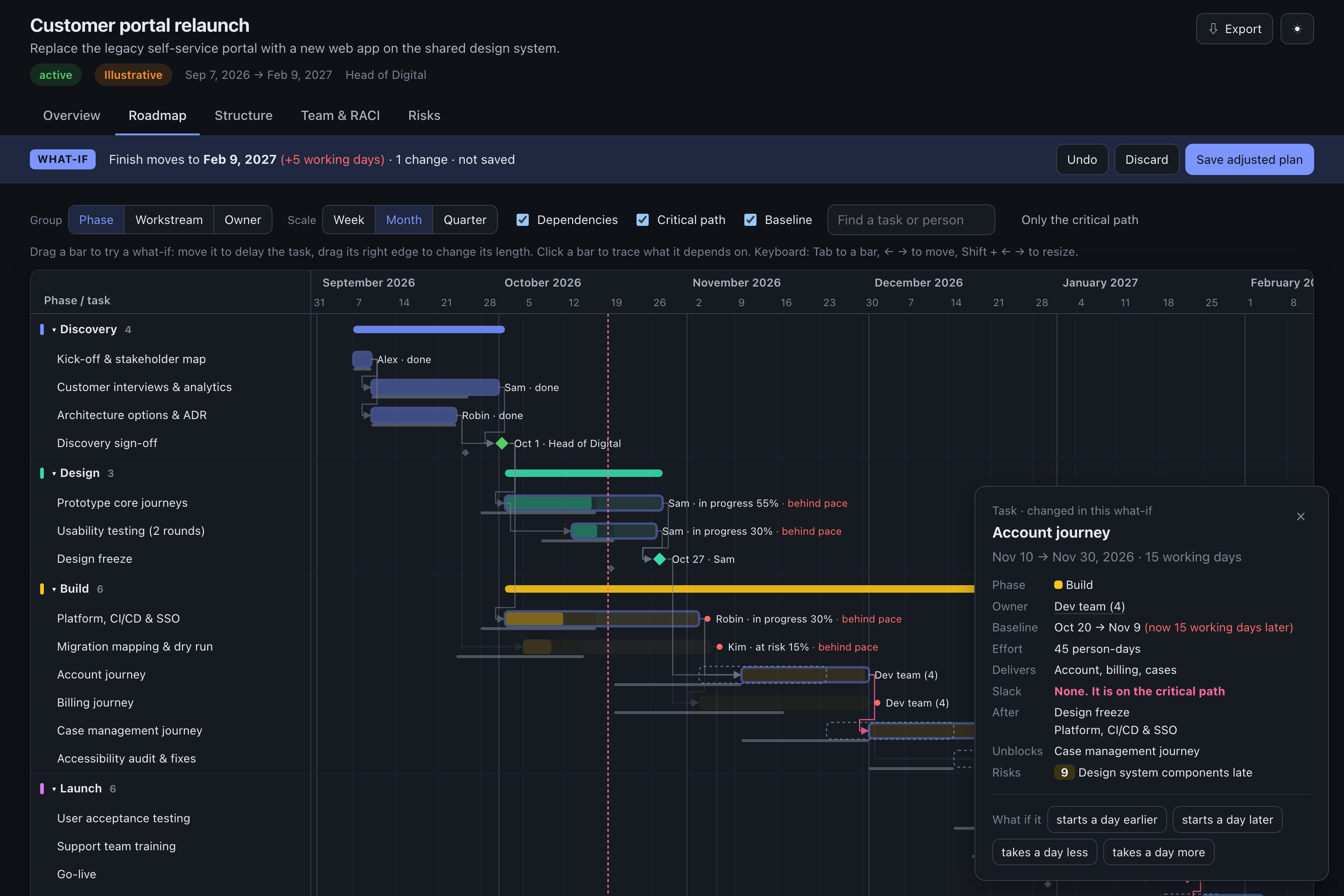
Standalone HTML with no server, no account and no build step. Email it, attach it to a ticket, or drop it in Confluence. Light and dark themes, print-to-PDF, and exports to PNG, SVG, Markdown, CSV and JSON.
Overview
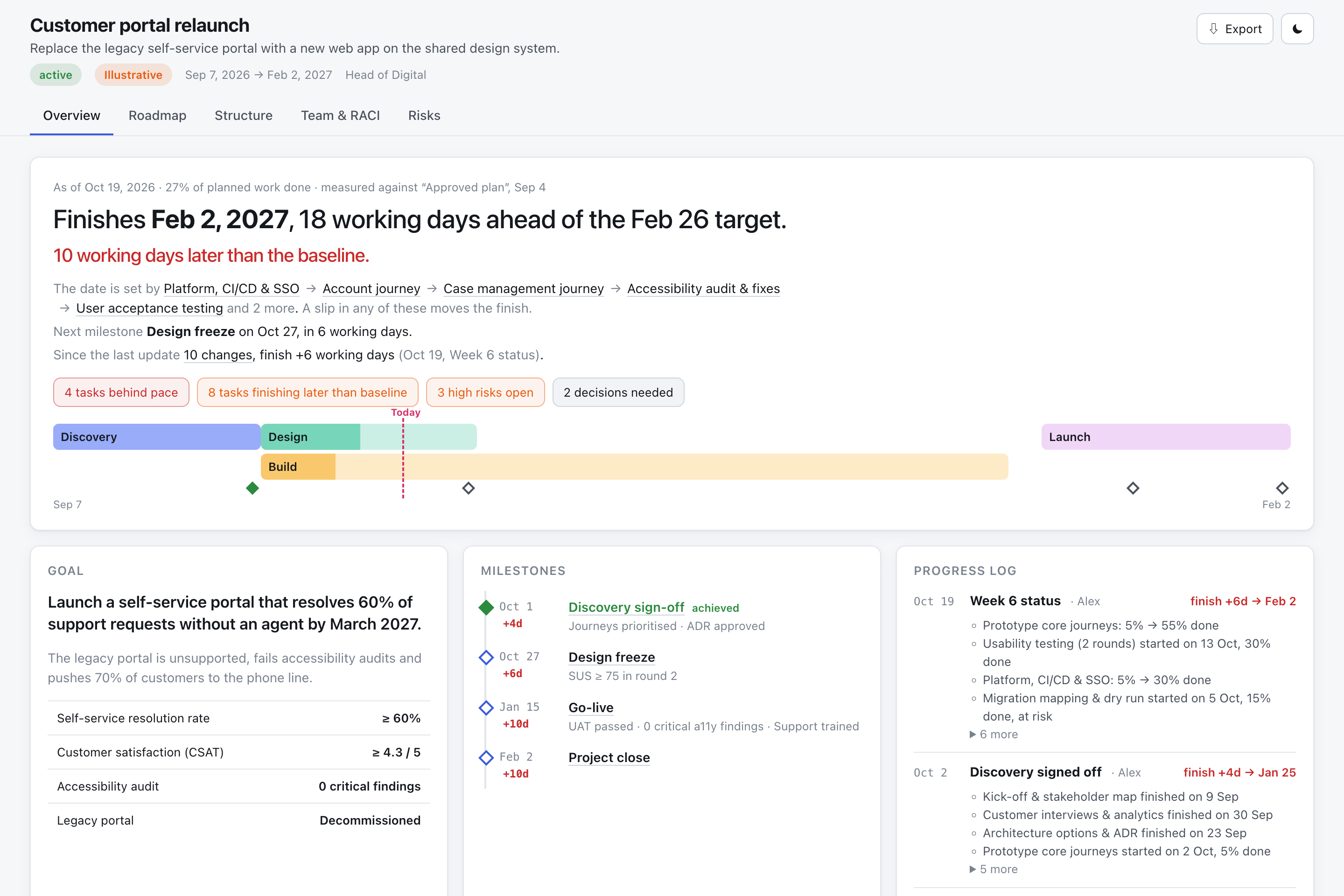
Opens on the verdict: finish date against target, the tasks that set it, and what is behind.
Roadmap
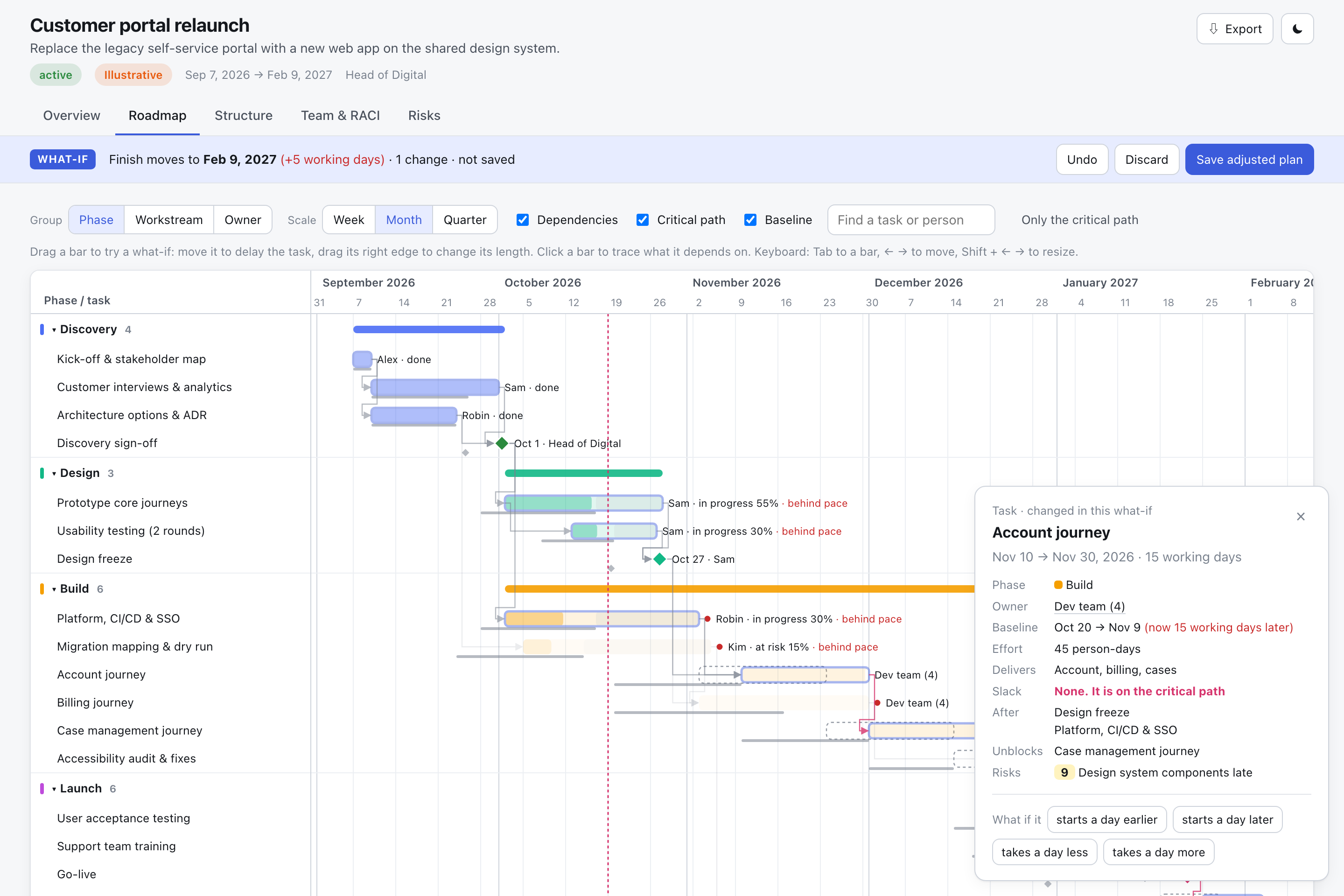
A Gantt chart with dependencies, milestones, the computed critical path and drag-to-simulate what-ifs.
Structure
Phase gates, a work breakdown with roll-up progress, the organisation chart and governance forums.
Team & RACI
A responsibility matrix with exactly one accountable person per row, plus workload against capacity.
Risks
A 5×5 heat map and a register linked to the tasks each risk threatens.
A plan is a set of dependent dates, not a set of cards.
Most plan templates are dashboards of disconnected numbers. planify models the plan as a real schedule and builds every view on that model.
The answer comes first
“Finishes 19 Jan, 28 working days ahead of target. The date is set by design freeze → account journey → UAT.” The page does the arithmetic for the reader.
Drag to ask “what if?”
Move or stretch any bar, by mouse or arrow keys. The real scheduler reruns, the finish date and critical path update, and the original dates stay as outlines. Undo it, or save the adjusted plan.
Honest by construction
Dates come from dependencies, so impossible dates are errors, not decoration. Invented facts are marked Illustrative. A missed target is stated outright.
Everything links to the timeline
Click a person, phase, milestone or risk anywhere and the roadmap focuses on it. No cross-referencing between tabs in your head.
The agent writes JSON. The CLI checks it.
The same approach as archify, applied to plans. A zero-dependency Node CLI checks every candidate before anyone sees it, and returns error codes with concrete fix hints that the agent applies on its own.
candidate.plan.json: goal, phases, WBS, roles, tasks, milestones, risks.A plan from September is wrong by October. This one updates.
Freeze the agreed plan as a baseline. Tell your agent what happened each week. planify records actual dates, forecasts the rest from today and writes the change log for you.
Drift you can point at
Every date, milestone and the finish show how far they have moved: “10 working days later than the baseline, still 18 ahead of target.”
Nothing happens in the past
Unfinished work is forecast from today, from its remaining share. A late task pushes everything after it, and the critical path follows.
Behind before it is late
A task at 30% that should be at 100% by now is flagged behind pace while there is still time to act.
The status email writes itself
Each update is diffed against the last: “Platform 5% → 30% · Go-live moves to 15 Jan (was 7 Jan) · New risk: SSO tenant.”
# once the sponsor agrees the plan
node bin/planify.mjs baseline plan.json --label "Approved at kick-off"

# every week, after editing statuses and actual dates
node bin/planify.mjs update plan.json --summary "Week 6 status"
Two commands. Node 18 or later.
# clone into your skills folder
git clone https://github.com/filipromeling-max/planify.git \
  ~/.claude/skills/planify

# check the install
node ~/.claude/skills/planify/bin/planify.mjs doctor
Then just ask your agent:
- Plan our CRM migration. We start 2 Feb and must be live by June.
- Turn this statement of work into a project plan with a RACI.
- Build a roadmap and risk register for the product launch.